I built 9 browser games into my portfolio without slowing it down
My portfolio now has a games page with nine small games, from Snake to Minesweeper. The home, portfolio and blog pages didn't get a single byte heavier. Here is how the loading works, the numbers I measured, and the bugs that testing caught before anyone played.
- Next.js
- Performance
- Frontend
- Games
My portfolio is a static Next.js site in a storage bucket. There's no server, so every page is plain HTML plus a bit of JavaScript. Right after launching it I wanted to add something fun: a page of small games people could play during a break.
The obvious worry was speed. A portfolio is mostly read by recruiters and clients, often on a phone, and nobody hires you because of a slow home page. So I set one rule before writing any game code:
The home, portfolio, blog and contact pages must not get heavier. Not even a little.
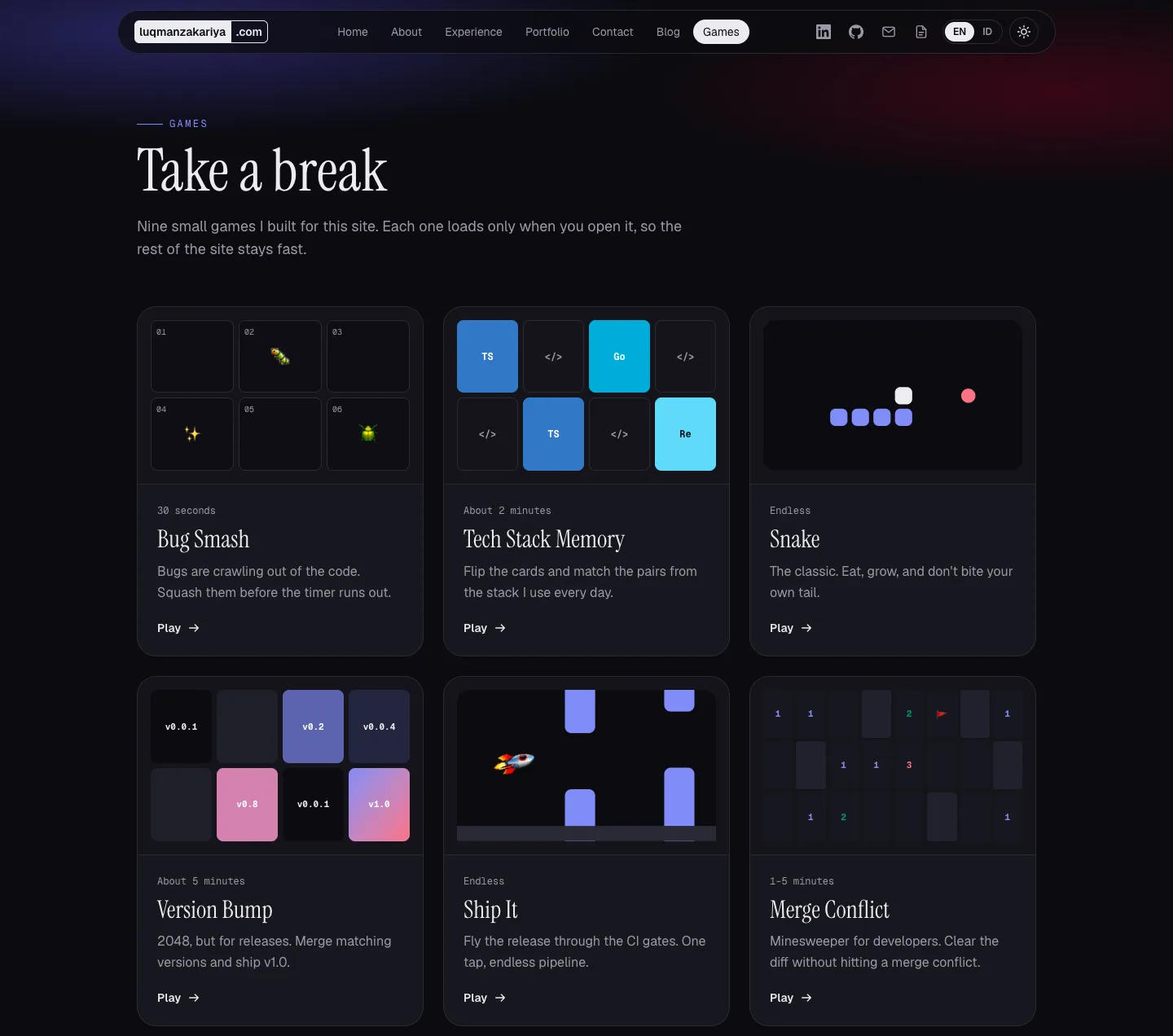
The games page now has nine games: Bug Smash, Tech Stack Memory, Snake, Version Bump (2048), Ship It, Merge Conflict (Minesweeper), Portrait Puzzle, Code Typing Race and Guess the Stack. Here's how it stays fast.
The numbers first
I measured the compressed JavaScript each page downloads, before the games existed and after each batch of games:
- Home: 256.0 KB before the games, 256.0 KB with all nine.
- Portfolio: 246.1 KB before, 246.1 KB after.
- Blog: 227.4 KB before, 227.4 KB after.
- Each game: about 3 to 4.5 KB, loaded only on that game's page. Guess the Stack is 14.5 KB because it includes my portfolio data.
It wasn't zero the whole way, though. My first batch of games added 0.3 KB to every page, and I'll explain below how that crept in and how I took it back out.
Numbers from the build aren't enough on their own, so I also tested in a real browser. On each normal page I scrolled to the bottom and hovered over every link to the games, then listed every file the browser downloaded. The result: zero game files on any page that isn't a game.
1. One game, one file, one page
Each game is its own file, loaded with next/dynamic and only in the browser:
const browserOnly = { ssr: false };

const games = {
  snake: dynamic(() => import("@/games/snake"), browserOnly),
  memory: dynamic(() => import("@/games/tech-memory"), browserOnly),
  // …one line per game
};
Next.js turns each import() into a separate small file. The Snake page asks for the Snake file and nothing else. The games list page asks for none of them. It only shows cards with small previews drawn in CSS and SVG, with no images and no game code.

ssr: false matters too. Games need the browser (canvas, keyboard, saved scores), so there's no point rendering them on the server. The page around the game (title, instructions, links) is still normal static HTML, so it loads fast and search engines can read it.
2. Don't let the menu download the games
By default, Next.js prefetches the pages that your links point to, so that clicking feels instant. That's great for the main pages, but the "Games" link sits in the navbar and the footer of every page. With prefetching on, every visitor to my home page would quietly download part of the games page.
The fix is one attribute on every link to the games:
<Link href="/games/" prefetch={false}>Games</Link>
Now the games only load when someone actually clicks.
3. Keep the shared text small
This is the part I almost missed, and it's where that 0.3 KB came from.
My first version kept the game text with the rest of the site's text: names, descriptions, button labels and the "How to play" instructions for every game, in English and Indonesian. The site's text is loaded on every page, so every visitor was downloading game instructions they'd never read. Only 0.3 KB for three games, but it would grow with every new game.
So I split it:
- The shared file holds only what the list page needs: each game's name, one-line description and how long it takes.
- Each game's own text (labels, messages, instructions) lives next to the game and loads with it.
- The "How to play" list is built into the page's HTML at build time, so it isn't in any JavaScript at all.
After this change, the 0.3 KB disappeared from every other page, and the games list got smaller even though it gained four more games (231.3 KB → 230.6 KB).
4. Test the rules before drawing anything
Every game's rules live in a plain TypeScript file with no React in it: how 2048 tiles merge, where Minesweeper puts its mines, how the rocket in Ship It falls. That made the rules easy to test on their own, before I built any screens. It caught real bugs:
- Ship It had no obstacles at all. When the list of gates was empty, my "is it time for a new gate?" check compared a value with itself and never fired. A test with an automatic player that tapped whenever the rocket dropped too low found it straight away. After the fix, the automatic player passed 22 to 38 gates, which told me the game was hard but fair.
- Code Typing Race showed a higher speed than you actually typed. The live formula counted the last line twice at the end of a round. Now the final score is frozen at the moment you finish.
- Guess the Stack sometimes offered a "wrong" answer that was actually right. My projects list "React Query" on some cards and "TanStack Query" on others, and those are the same library. I added a small map of tech names that mean the same thing or imply each other (Next.js means React, Mongoose means MongoDB), then generated 2,000 test questions to make sure no wrong option overlapped a project's real stack.
- Merge Conflict never loses on the first tap: the mines are placed after your first move, never on or next to that cell. A test checked this across hundreds of boards.
5. Phones are not an afterthought
Most people will open the games on their phone, so every game was tested at phone size with touch only:
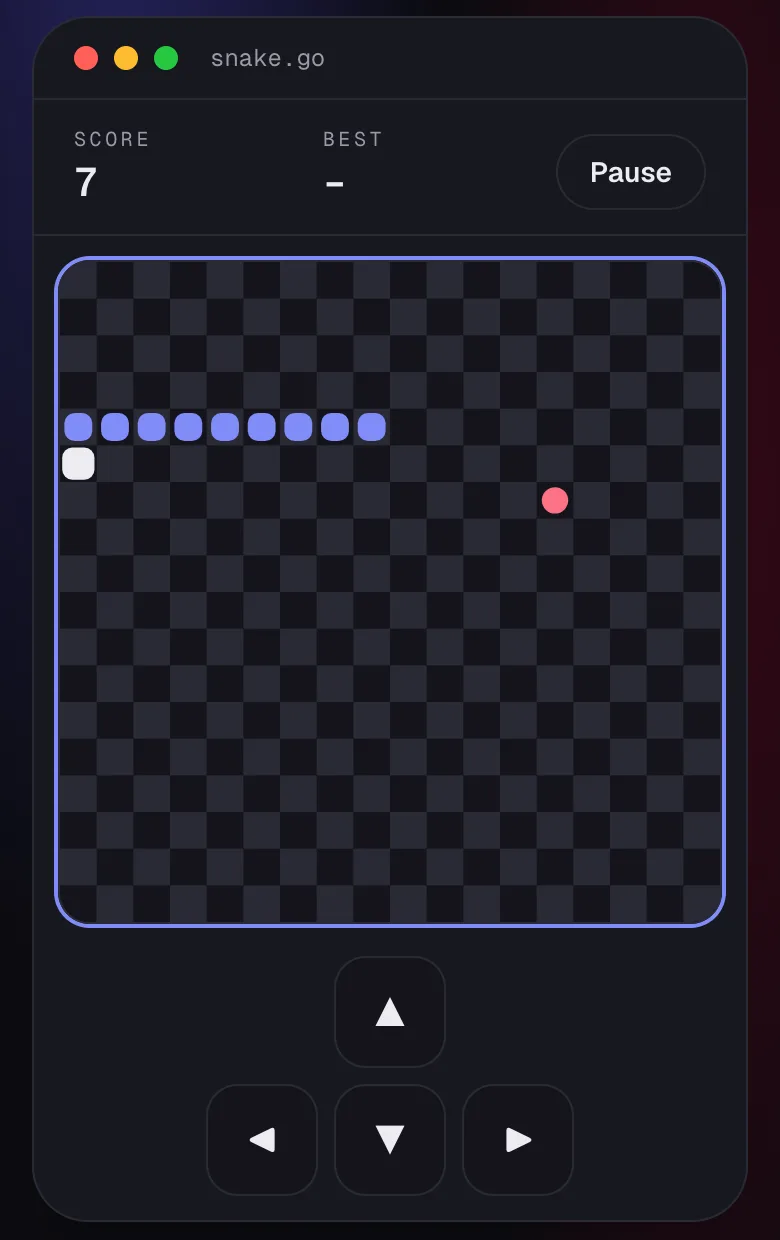
- Swiping on the Snake and 2048 boards steers the game instead of scrolling the page.
- On-screen arrow buttons appear only on touch screens.
- Minesweeper flags a cell with a long press, the way phone players expect.
- When you press Start, the page scrolls so the whole board and its controls are on screen.
- Games pause when you switch tabs or lock your phone, so they don't drain the battery in the background.
- Code Typing Race honestly tells phone users it's better with a keyboard, instead of pretending otherwise.
What I'd tell anyone adding "extra" features to a portfolio
- Decide on a performance rule first, then measure against it. "It feels fast" isn't a measurement.
- Give every extra its own file and page. If a feature is only on one page, its code should only load on that page.
- Watch for shared files that grow quietly as you add things.
- Check what the browser actually downloads, not just what the build says it should.
- Test the logic before the visuals. Most of my bugs were in the rules, not in the drawing.
Building the games was the fun part. Measuring them is the part I'm happiest with, because it means the extra never costs the people who came for the portfolio. Go play one, and if you find a bug, I'd like to hear about it.
Want to talk about this?
Get in touch